Challenges can be fun, especially when you have the confidence of working in your area of expertise.
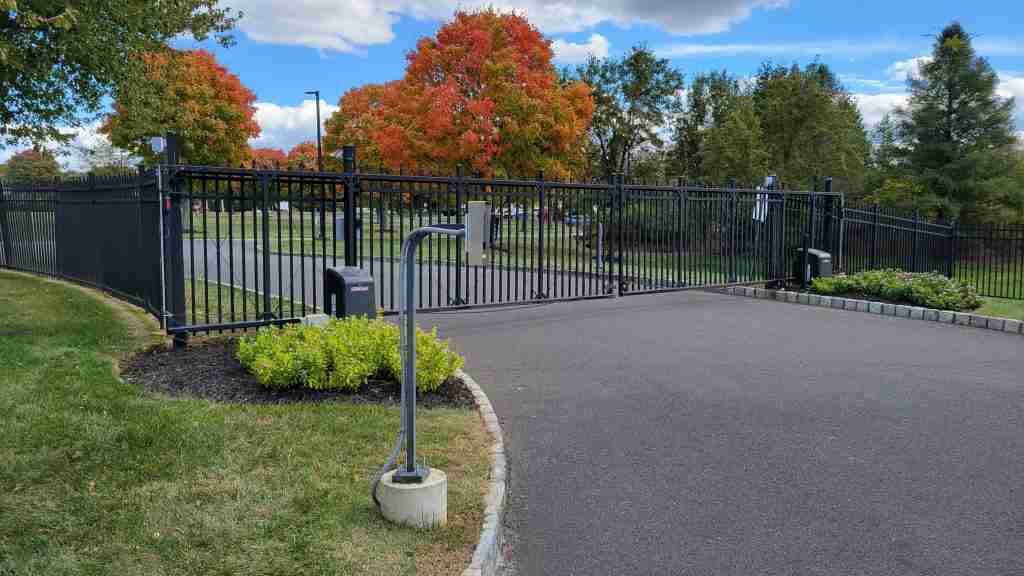
One day early on as a low voltage tech, you were handed a box of parts and told, “we’ve never done this before.” You ask what the job is all about, and are given vague information about an intercom, a button to open a gate, and you are sent on your way.
Upon arriving at the job site, you start to inventory the box of parts and begin to realize that, this job is actually right up your alley! You see some wireless bridges, realize that these intercoms are basically just cameras with 2 way audio etc. You begin to go into “regular” problem solving mode because you’ve actually done stuff similar to this before. This turned into a wireless networking and data cabling job!
The premise of the project is that a receptionist needs to be able to communicate with visitors at the gate and be able to open the gate from their desk which is about 120 yards away.
The challenges to solve are:
- There are no network connections at the gate.
- We need to carry data and dry contact relay conductors on the same wire from intercom to gate operator.
- There are finished drywall ceilings in between the left and right sides of the building, so making a home run of CAT5 back to the MDF from our outer wireless bridge is not viable.
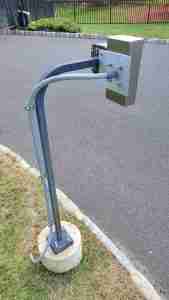
- There are currently mounts at the gate for the keypads, but how will we mount the intercoms?
- How will the receptionist open the gate?
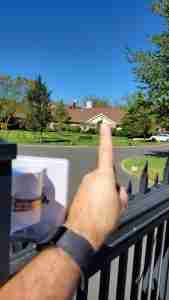
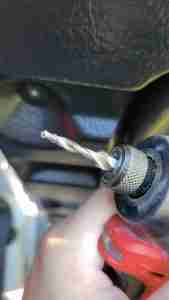
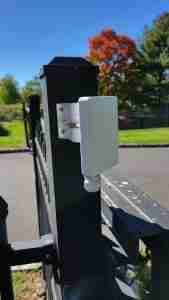
For the network connectivity issue, I was provided some LigoWave wireless bridges. I would have preferred using Ubiquiti Nano Stations, but these seemed like they would get the job done. I just had to set them to point to multi point (PTMP) mode because there would be a station on either side of the gate that would uplink back to the AP on the building as there was no conduit running under the driveway to the other side. If there was conduit, we could have only used one station at the gate. There were power outlets on the gate operators so I could easily use some PoE injectors to power the bridges. There was one spot on the outside of the building where I saw a camera was mounted, so this seemed like an ideal spot to mount my access point-side bridge as I assumed I would be able to get my wire through. The station-side bridges would be mounted to the gate using a 1/4-20 combination drill and tap.
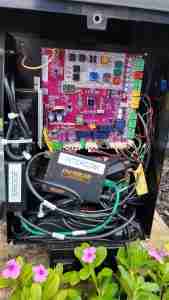
I wanted to run data and dry contact relay conductors for triggering the gate open with 1 wire in order to keep everything simple and not have to run multiple direct burial cables. I decided that I would make an adapter that would break out my data pairs, 1, 2, 3 and 6 because the intercoms were only 10/100 anyway. The remaining 4 conductors could be used as my relay wires.
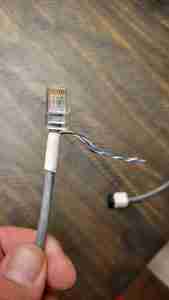
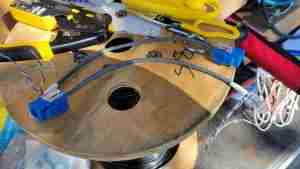
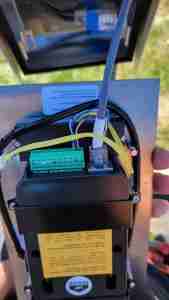
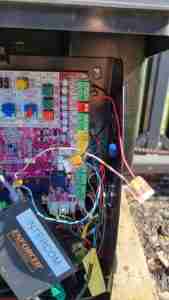
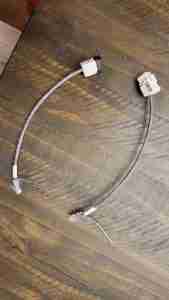
As far as how I would get a wire back to the switch in the MDF because of the finished construction, I did some scouting and found that approximately half way in between where I would mount my bridge on the building and the MDF was a telco closet that had a 110 punch-down block with a 100 pair telephone cable on it. I saw in the MDF what appeared to be the other end of the 100 pair cable also connected to a 110 punch-down block. I confirmed this when tracing the wire back with my toner, so my plan was to run a cable from the outside of the building to the telco closet and mount my PoE injector there, and then utilize the existing 4 pairs of the 100 pair cable back to the MDF and then hop off the 110 block to a data jack and then connect to the switch.
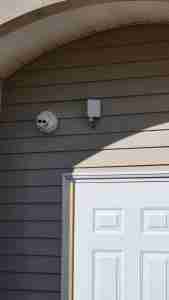
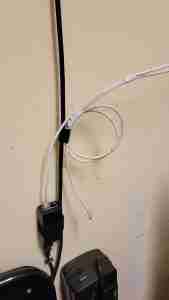
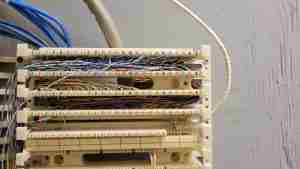
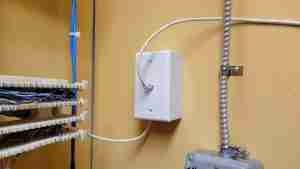
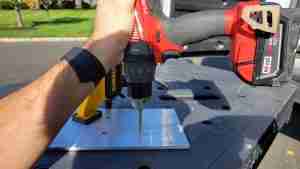
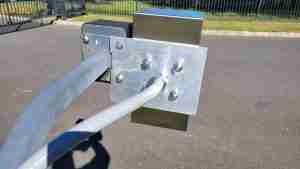
For affixing the actual Intercoms to the existing goose neck mounts that held the keypads, I decided to order some 1/4″ sheets of aluminum to make custom mounts. I would also use flex conduit and stainless steel mounts to affix the conduit to the goose necks for a solid, clean install.
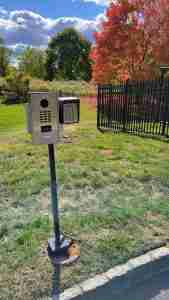
Fortunately once everything was wired and paired, all it would take for the receptionist to open the gate would be to use the DoorBird desk console / monitor that was on the same network as the intercoms in order to trigger whichever intercom relay a call originated from which would open the gate.